
iMac/ MacBook Repair Toronto | Professional Apple Mac Services
- Home
- Our Services
- iMac/ MacBook Repair Toronto | Professional Apple Mac Services
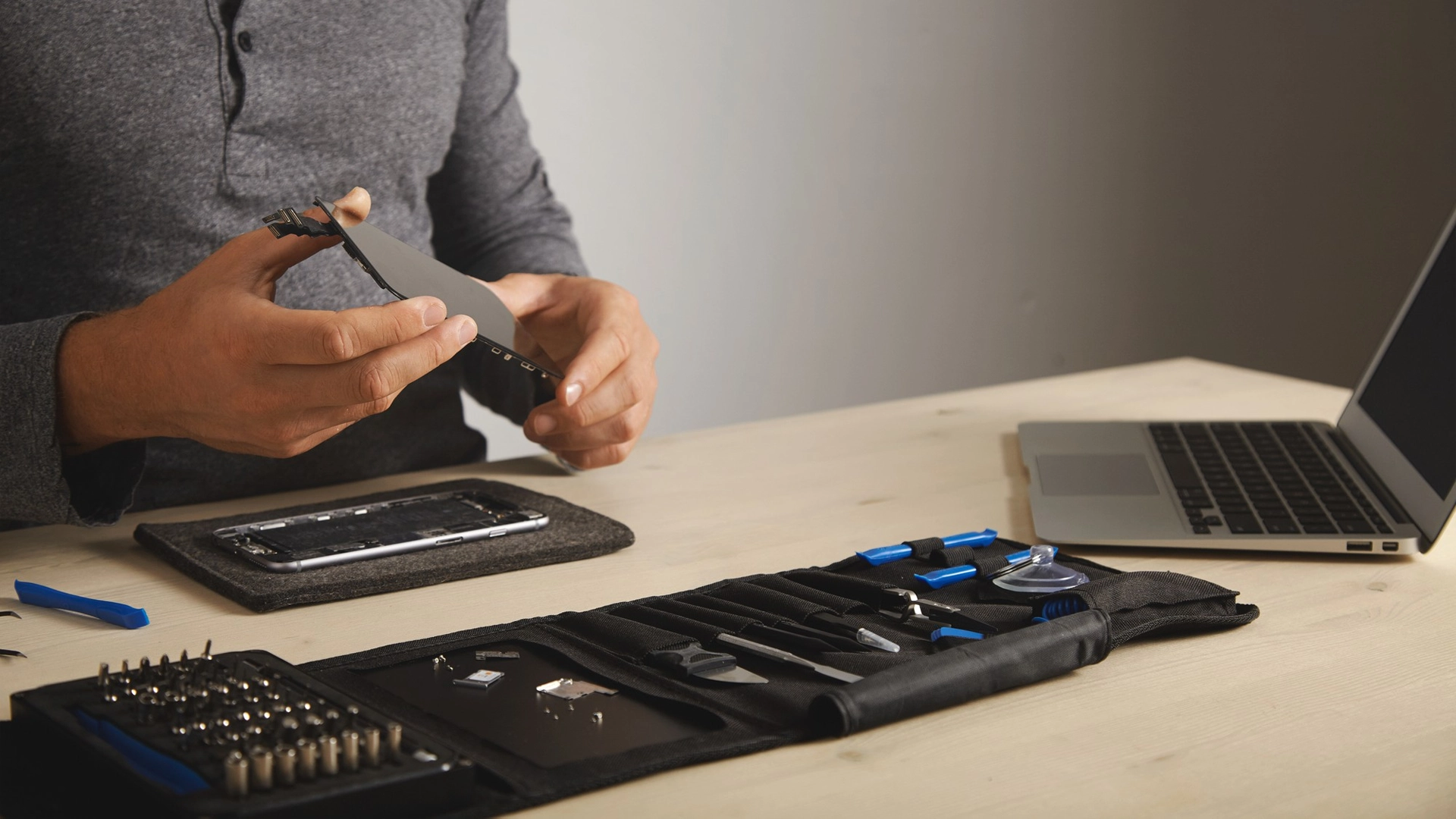
If your Mac is suffering from a cracked screen, a liquid spill, or a failing logic board, you don’t need to invest in a brand-new computer. At Mac Tech, located at 1022 St Clair Ave W, we provide specialized, component-level hardware diagnostics and software restoration. Our primary goal is to deliver a reliable MacBook repair Toronto service that offers a transparent, cost-effective alternative to expensive out-of-warranty replacements for both Intel-based machines and modern Apple Silicon M-Series devices.
Expert MacBook Repair Toronto & GTA Solutions
When your computer goes down, your work, projects, and daily routine grind to a halt. Our repair pipeline is optimized for speed, ensuring that most standard hardware issues are resolved within 24 to 48 hours. We handle everything from simple battery replacements to intricate logic board micro-soldering under one roof, eliminating long retail wait times. To ensure complete peace of mind, our workflow is designed with strict data protection protocols to keep your files secure throughout the entire process.
Keyboard Track Pad Replacement
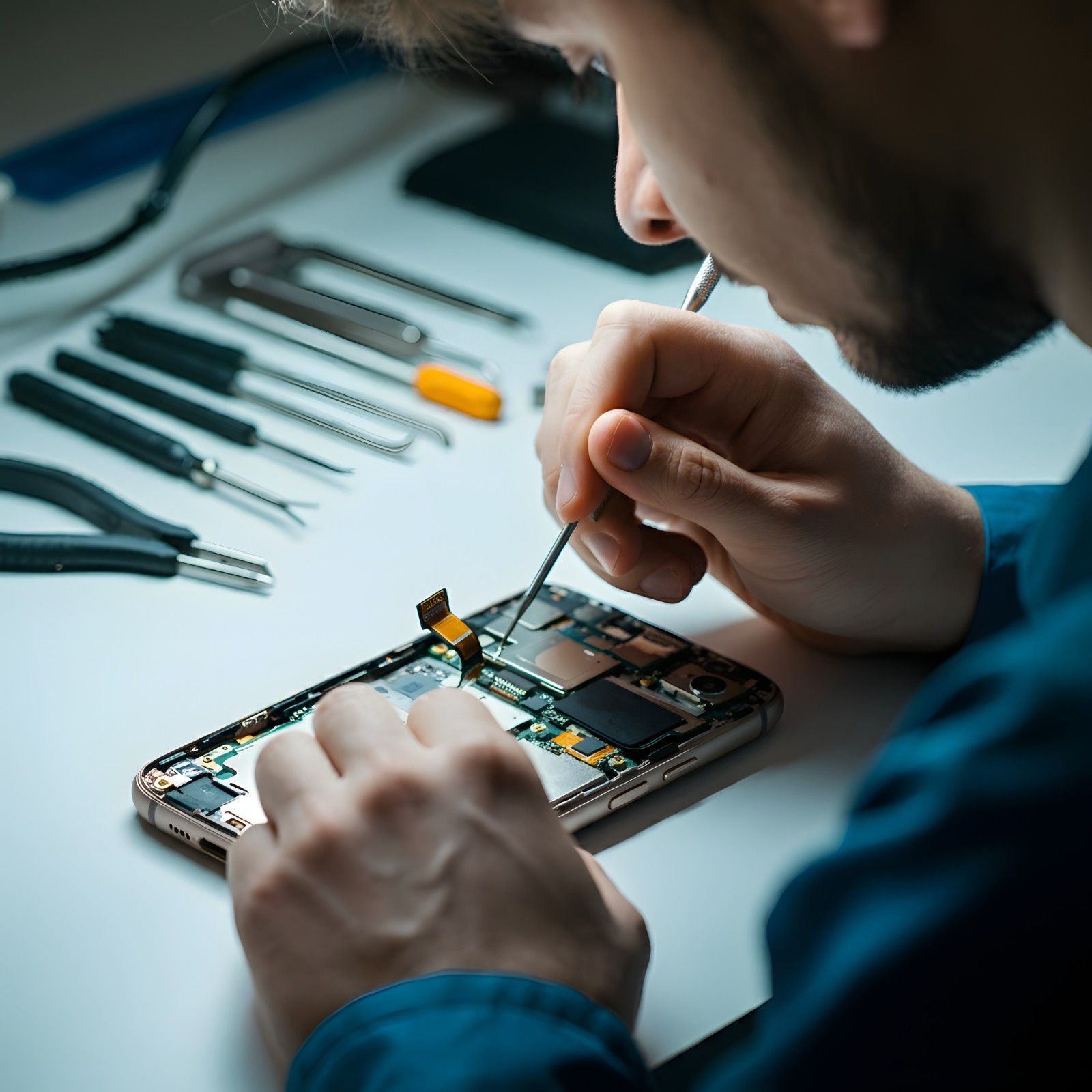
If your keyboard has unresponsive keys, sticky residue, or other issues, our skilled technicians can restore it t...
Read more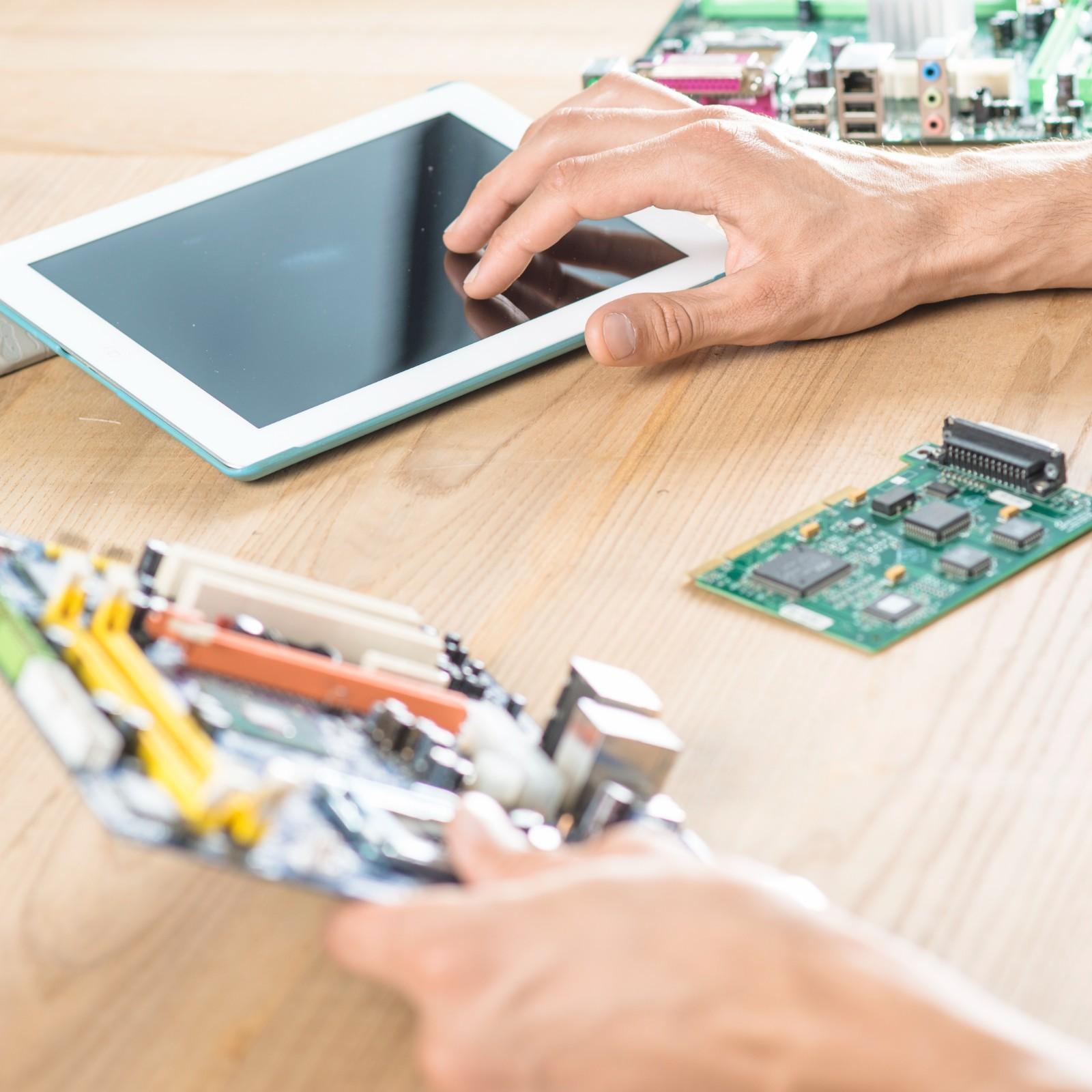
SSD Hard Drive Upgrade
Slow boot times and persistent freezing often indicate a storage or memory bottleneck. We replace older mechanica...
Read more
Mac Liquid Damage Repair
We know accidents happen, and when they involve liquid spills on your Apple MacBook, it can be distressing. Accid...
Read more
Service Across Toronto & the GTA
While our primary walk-in workshop is centrally located on St Clair Ave W in Toronto, we provide reliable repair options, diagnostics, and data mail-in capabilities for residential and business clients throughout the entire Greater Toronto Area (GTA), including:
Old Toronto Districts: Downtown Toronto, The Annex, Yorkville, Leslieville, Liberty Village, Roncesvalles.
Wider GTA Municipalities: North York, Scarborough, Etobicoke, Mississauga, Brampton, Vaughan, Markham, Richmond Hill, Oakville.
Specialized Technical Services
Component-Level MacBook Logic Board Repair
When a Mac completely refuses to turn on or fails to charge, many standard service centers recommend replacing the entire main logic board, which can cost nearly as much as a new machine. Our technicians specialize in micro-soldering under high-magnification microscopes. We locate and replace individual faulty components - such as burnt power management IC chips, capacitors, or charging port connectors - saving you hundreds of dollars while retaining your original board and data.
What People Ask | MacBook Repair Toronto FAQs
My MacBook won’t turn on. Can you save my files?
Yes. Even if the motherboard is completely dead, we can usually extract your data directly from the storage drive before performing hardware repairs.
How long does a MacBook screen replacement take?
Screen replacements are typically completed within 24 to 48 hours, depending on current stock for your specific model.
How much does a liquid damage repair cost?
It varies based on the affected circuits, but ultrasonic cleaning and localized repair cost a fraction of the price of a new Mac. We provide a clear quote after opening the device.
Do you charge a diagnostic fee if I cancel the repair?
We charge a small, flat evaluation fee for testing the hardware. If you proceed with our repair quote, this fee is waived entirely.
Can you upgrade the RAM and SSD on M1, M2, or M3 MacBooks?
No. On Apple Silicon models (M-Series), the RAM and storage chips are permanently soldered to the logic board and cannot be upgraded.
Can you fix a loose or faulty MacBook charging port?
Yes. We can replace the internal USB-C or MagSafe port module, or resolder the connections directly on the logic board.
My iMac is stuck on the Apple logo. What is wrong?
This usually indicates a corrupted macOS update, a failing internal storage drive, or a broken file system. We run a health diagnostic to isolate the fault.